Left Navigation Sidebar Disappears When Returning to Big Viewport #1655
Description
I checked that...
- ... the documentation does not mention anything about my problem
- ... the problem doesn't occur with the default MkDocs template
- ... the problem is not in any of my customizations (CSS, JS, template)
- ... there are no open or closed issues that are related to my problem
Description
When tabs are enabled, ifyou are in any sub-page that belongs to a tab and you go from desktop layout to mobile, you use the side menu and navigate all the way back to the uppermost navigation level, and you go back to desktop layout, the left sidebar navigation disappears completely
Expected behavior
The left sidebar navigation should remain visible after switching back to desktop layout.
For example in your documentation site for MkDocs Material Theme it should look like:

Actual behavior
The left sidebar navigation disappears completely. As can be observed in the HTML inspector for Chrome, all elements nested inside
<div
  class="md-sidebar md-sidebar--primary"
  data-md-component="navigation"...>
    ...
</div>
have a height of zero, which is why they aren't visible as can be seen below:

The previously mentioned containing div however still retains it's height as can be seen below:

Steps to reproduce the bug
I reproduced the bug using your documentation site and also using my own dummy site with no theme overriding or any other customizations. I will add images for both sites so you can see.
Preconditions
- Tabs feature is enabled
Steps
-
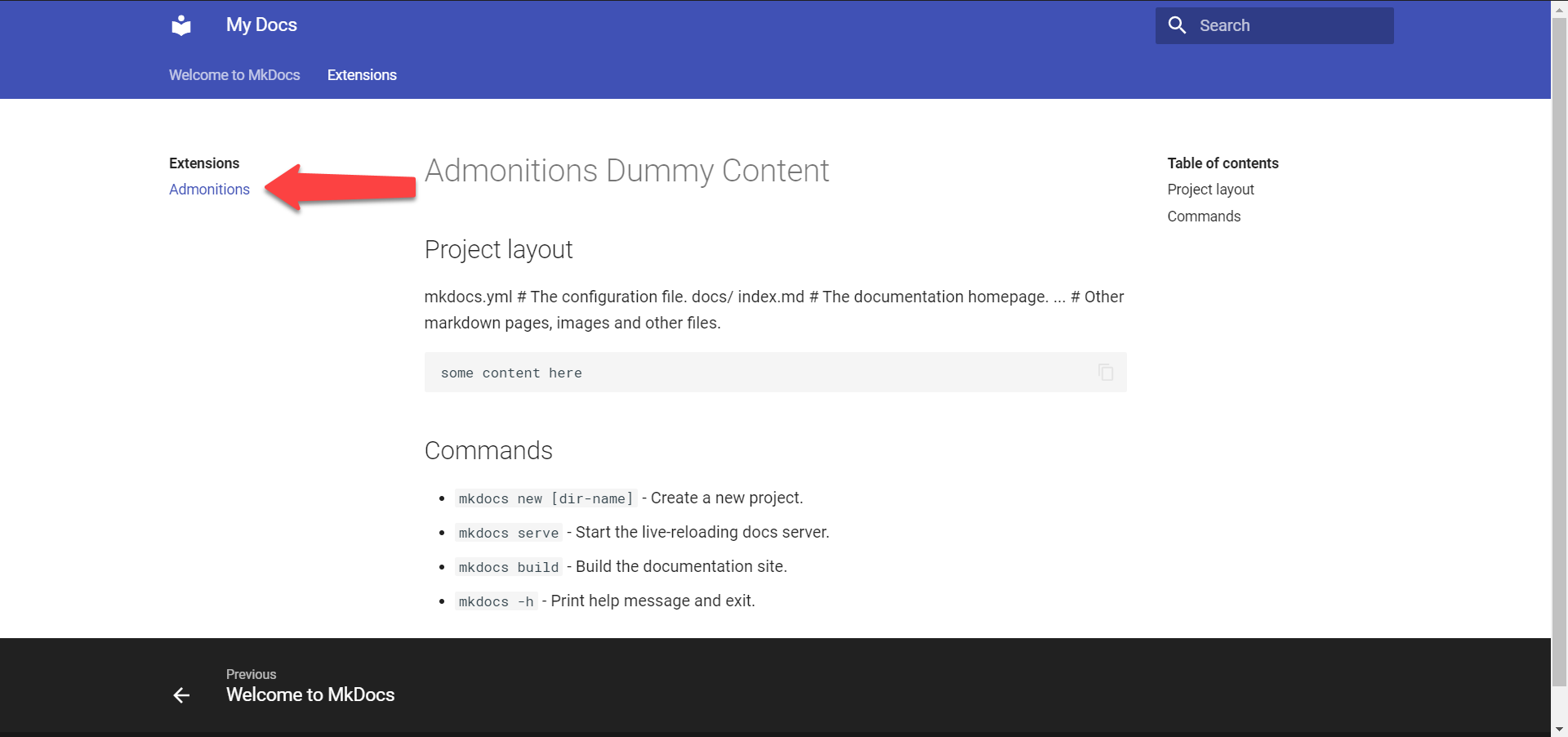
Go to Extensions page of Squidfunk's MkDocs Material site
Squidfunk's

My site equivalent
-
Shrink window to trigger mobile layout
-
Click on side menu button to make side menu appear
Squidfunk's

My site equivalent

-
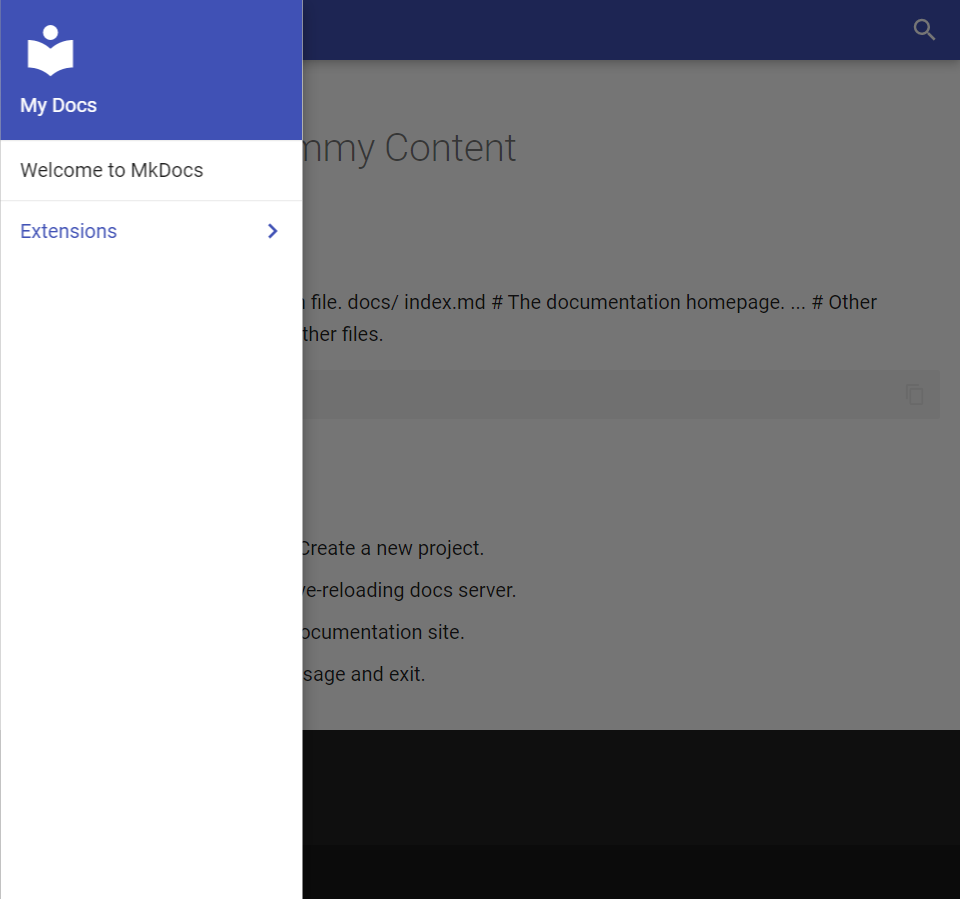
Click on back arrow to navigate all the way to the topmost navigation level
Squidfunk's

My site equivalent
-
Click outside the side menu to close it
-
Expand window so that it returns to desktop layout
-
Sidebar menu not visible anymore
Squidfunk's

My site equivalent

Package versions
For my minimal project:
- Python: 3.6.5 :: Anaconda, Inc.
- MkDocs: 1.1
- Material: 5.1.3
Project configuration
For my minimal project:
site_name: My Docs

theme:
  name: 'material'
  features:
    - tabs

nav:
  - index.md
  - Extensions:
    - Admonitions: extensions/admonitions.md
System information
- OS: Windows 10
- Browsers:
- Chrome Version 81.0.4044.122 (Official Build) (64-bit)
- Firefox 74.0.1 (64-bit)